



Useful websites
Websites worth knowing
48 sites
Wokwi
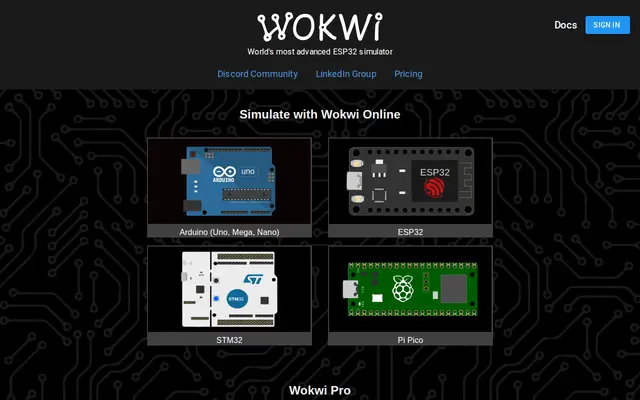
Free planArduino, ESP32 and Pico simulator in the browser: wire the circuit, write the code and run it without buying a part.
Try: Open an ESP32 + OLED example and change the code live.
Open the site
Tinkercad
FreeAutodesk's drag-and-drop Arduino circuits with a breadboard simulator, plus simple 3D design. The best first step.
Try: In Circuits, blink an LED with an Arduino in five minutes.
Open the site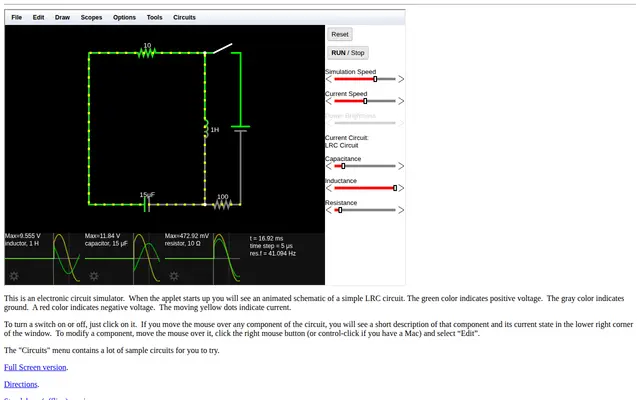
Falstad Circuit Simulator
FreeA circuit simulator that animates current flowing through the wires: the clearest way to understand transistors, capacitors and op-amps.
Try: Open Circuits → Transistors and change the resistor values.
Open the site
EasyEDA
FreeSchematics and PCB layout in the browser, linked to the LCSC parts library, and you can order the board for a few dollars.
Try: Design a small sensor board and order it from JLCPCB.
Open the site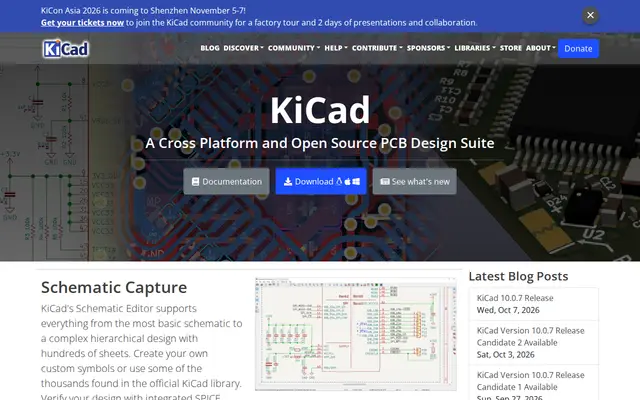
KiCad
FreeProfessional open-source PCB design used by real companies. Learn it if you're going deep into electronics.
Try: Follow Getting Started and make an LED + resistor board.
Open the site
Octopart
FreeA search engine for electronic parts: datasheets, prices and alternatives from every distributor in one place.
Try: Search L298N and compare it with newer alternatives.
Open the site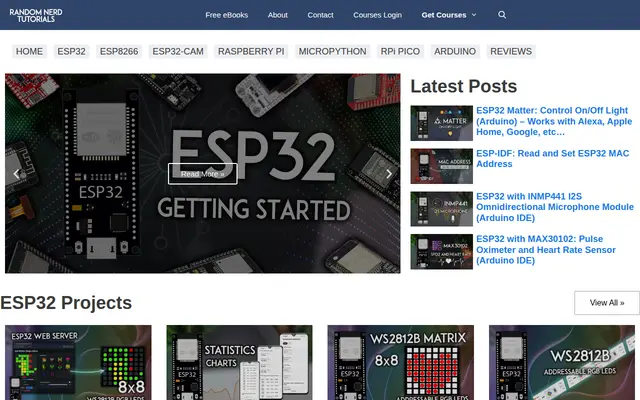
Random Nerd Tutorials
FreeStep-by-step ESP32, ESP8266 and Arduino guides with code and wiring for almost any sensor.
Try: Build the ESP32 web server and switch an LED from your phone.
Open the site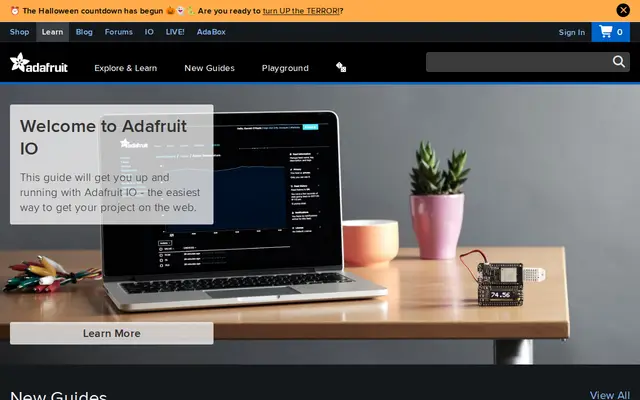
Adafruit Learning System
FreeThousands of tidy projects and guides from Adafruit, from soldering to CircuitPython and wearables.
Try: Read the Guide to Excellent Soldering before your first joint.
Open the site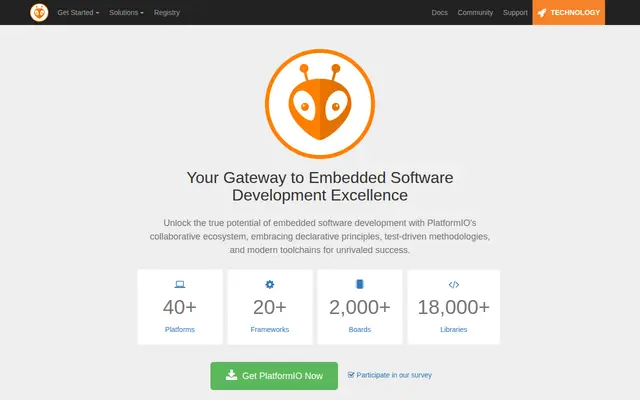
PlatformIO
FreeA VS Code extension to program Arduino, ESP32 and STM32 like a pro: libraries, autocomplete and debugging.
Try: Move one Arduino IDE sketch into PlatformIO.
Open the site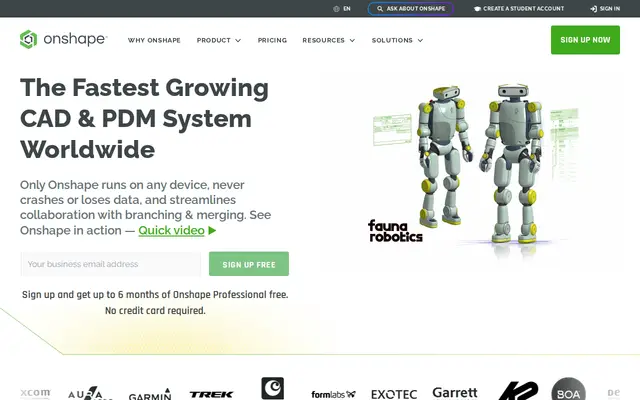
Onshape
Free for studentsProfessional CAD in the browser (even on a phone) where the whole team edits one design together. Free for students.
Try: Get an Education account and design a small robot chassis as a team.
Open the site
Autodesk Fusion
Free for studentsMechanical design, assemblies, stress simulation and CAM in one program. Free for students and personal use.
Try: Design a motor bracket and run a stress study before printing it.
Open the site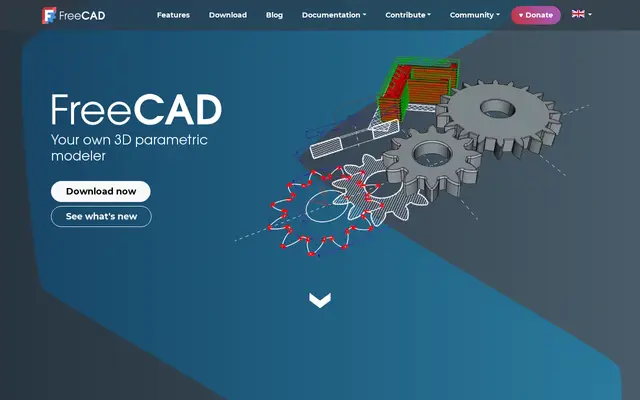
FreeCAD
FreeFully free open-source CAD with no subscription; works on any computer, offline.
Try: Use the Part Design workbench to make an enclosure.
Open the site
Printables
FreePrusa's huge library of print-ready models: robot parts, tools, enclosures and lab helpers.
Try: Search “robot arm” and print one in the lab.
Open the site
Thingiverse
FreeThe oldest and largest free library of 3D designs, with a ready part for almost any idea.
Try: Look for a “servo mount” before designing your own.
Open the site
GrabCAD Library
FreeCAD models of real parts (motors, sensors, boards) to drop into your robot assembly at the right size.
Try: Download an Arduino Uno model to place your mounting holes.
Open the site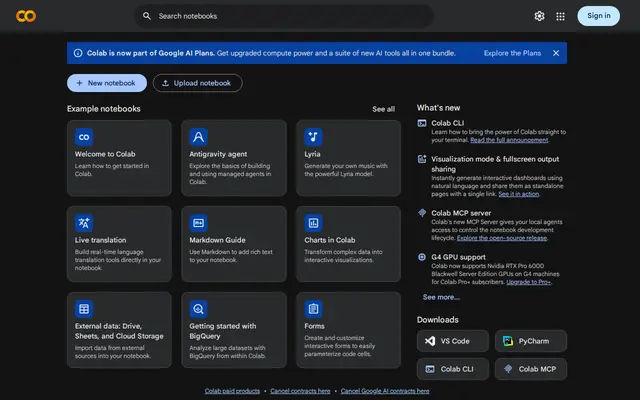
Google Colab
Free planPython in the browser with a free GPU: train AI models without a powerful computer.
Try: Open a notebook and switch the runtime to GPU.
Open the site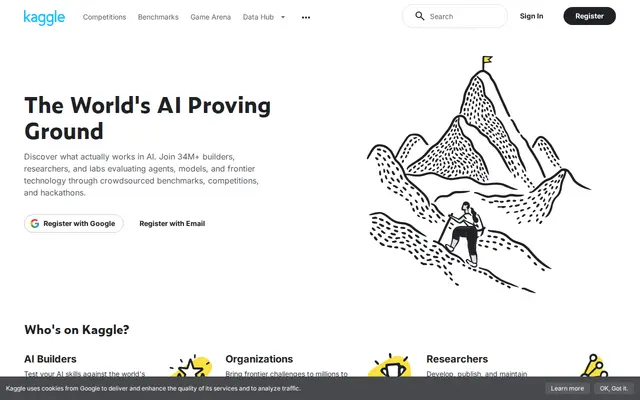
Kaggle
FreeReady datasets, competitions and short ML courses, with other people's solutions to learn from.
Try: Finish Intro to Machine Learning, then try the Titanic competition.
Open the site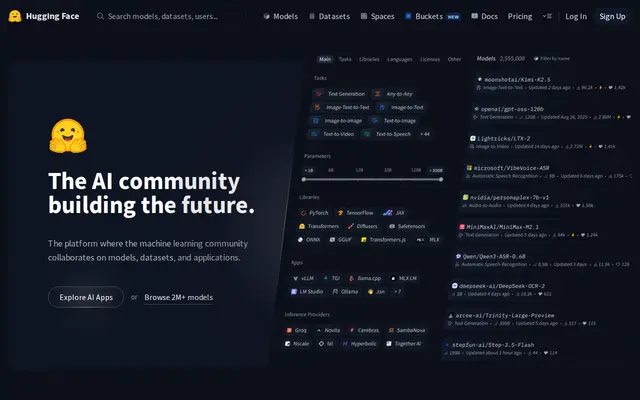
Hugging Face
Free planThe home of open models for text, images and audio: try any of them in the browser and use it in a few lines.
Try: Try an image-captioning Space, then call it from Colab.
Open the site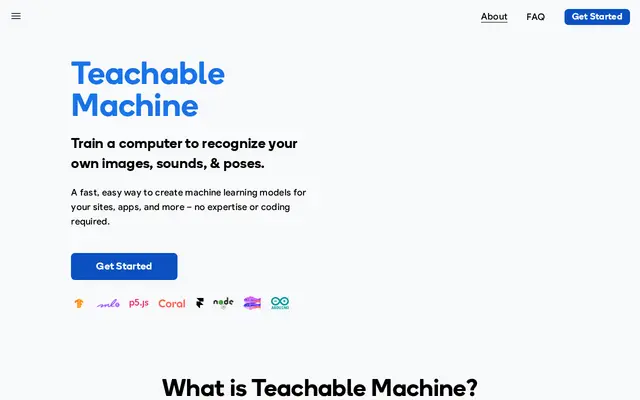
Teachable Machine
FreeTrain an image, sound or pose classifier from your webcam in minutes with no code, then export it.
Try: Teach it three hand gestures and drive a robot with them.
Open the site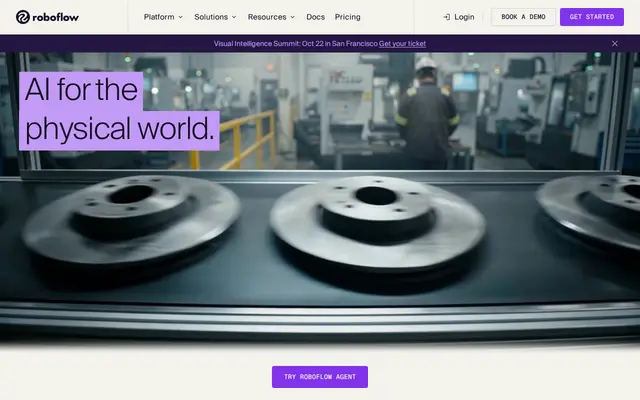
Roboflow
Free planComputer-vision datasets end to end: labeling, YOLO training and export in one place.
Try: Shoot 100 photos of a part and train a detector.
Open the site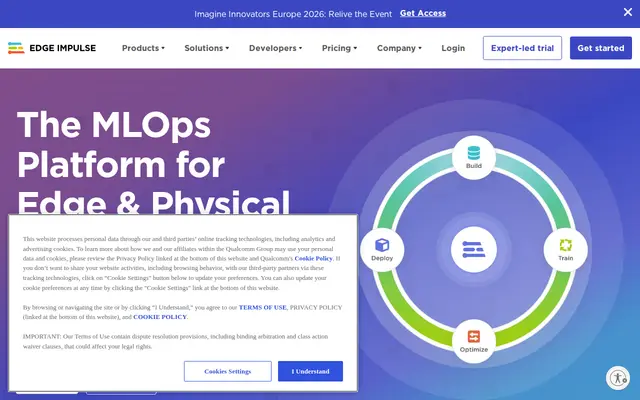
Edge Impulse
Free planTinyML: small AI models that run on microcontrollers like the ESP32 or Nano 33 for sound, motion and images.
Try: Make a keyword spotter that lights an LED.
Open the site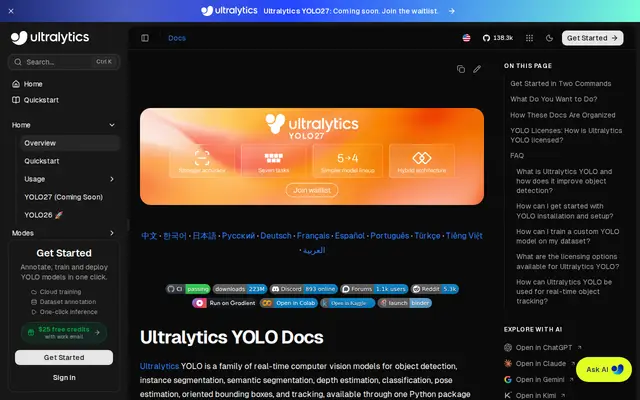
Ultralytics YOLO
FreeThe official YOLO docs: object detection, tracking and segmentation from a camera in a few lines of Python.
Try: Run YOLO on your webcam and count people in view.
Open the site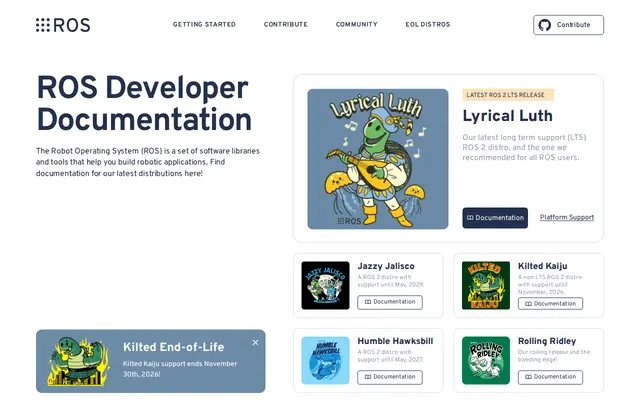
ROS 2 Docs
FreeThe robot operating system used by companies and universities; official tutorials from install to navigation.
Try: Finish Beginner: CLI tools and drive turtlesim.
Open the site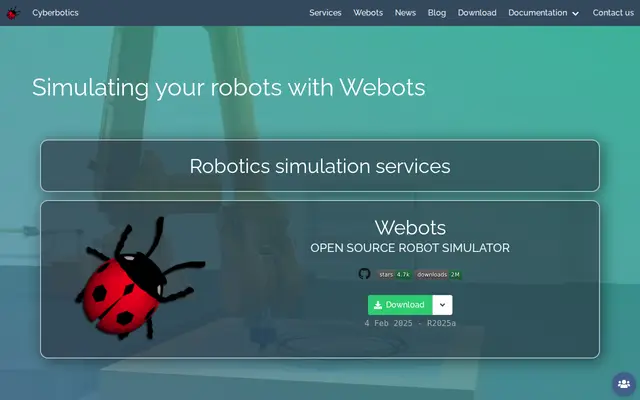
Webots
FreeOpen-source robot simulator with ready robots, sensors and physics: test your algorithm before building.
Try: Open the e-puck example and write a Python line follower.
Open the site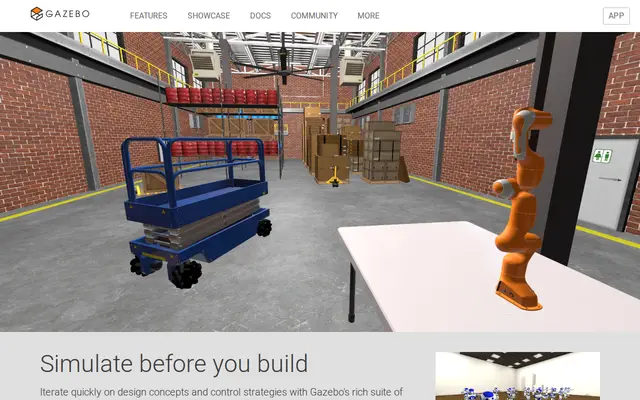
Gazebo
FreeThe simulator that works with ROS: 3D worlds, LiDAR and cameras for your robot.
Try: Run a TurtleBot in Gazebo and map a room.
Open the site
MATLAB Onramp
FreeFree short MathWorks courses with certificates: MATLAB, Simulink, control and signal processing.
Try: Finish Simulink Onramp and model a DC motor.
Open the site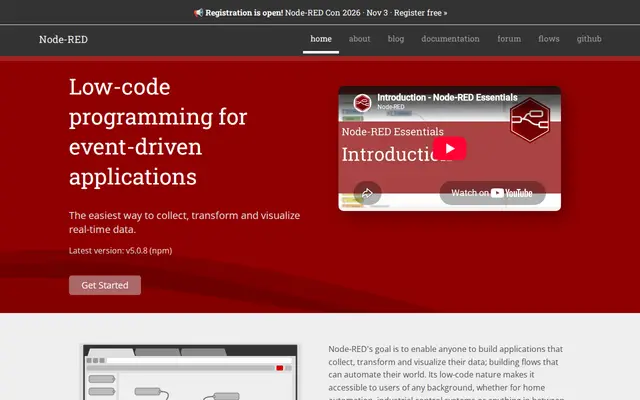
Node-RED
FreeWire devices and APIs together with drag and drop: read a sensor, store it, build a dashboard and alerts.
Try: Run it on a Raspberry Pi and chart a temperature sensor.
Open the site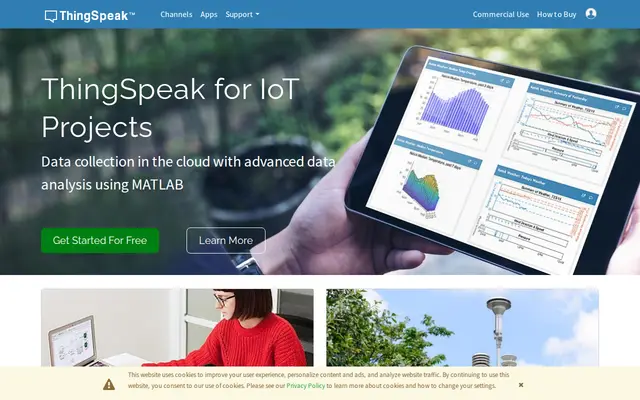
ThingSpeak
Free planSend sensor readings from an ESP32 to the cloud and see live charts, with MATLAB analysis.
Try: Post the temperature every minute and watch it on your phone.
Open the site
Blynk
Free planBuild a phone app that controls your device (buttons, sliders, readings) without writing mobile code.
Try: Switch a relay from your phone while you're out.
Open the site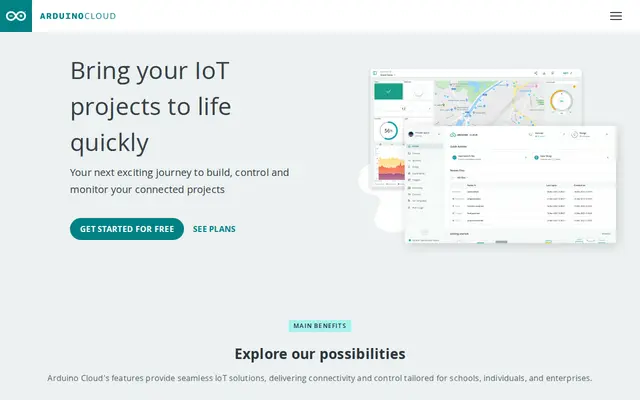
Arduino Cloud
Free planOnline Arduino editor, dashboards and variables synced between the board and the cloud.
Try: Connect an ESP32 and build a dashboard with a switch and a sensor.
Open the site
GitHub
Free for studentsHome for your code and team projects, and the portfolio employers look at. The Student Developer Pack unlocks paid tools for free.
Try: Create a repo for your project with a README, photos and how to run it.
Open the site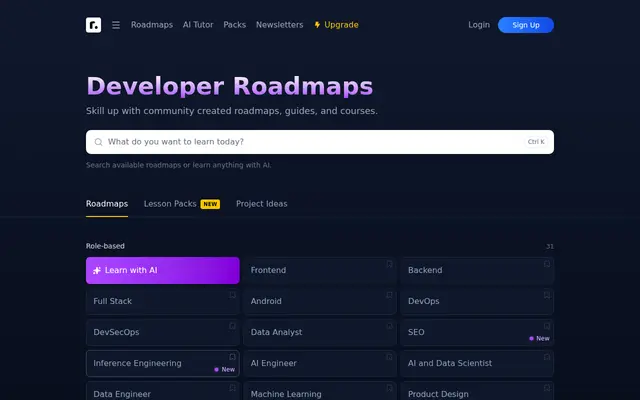
roadmap.sh
FreeClear learning maps for every path (backend, AI, embedded, DevOps): what to learn first and next.
Try: Open your track's roadmap and tick what you've done.
Open the site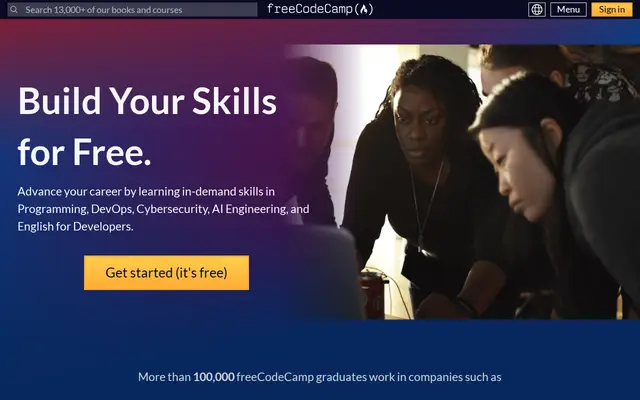
freeCodeCamp
FreeCompletely free programming courses with certificates: web, Python, data analysis and ML, all hands-on.
Try: Start Scientific Computing with Python.
Open the site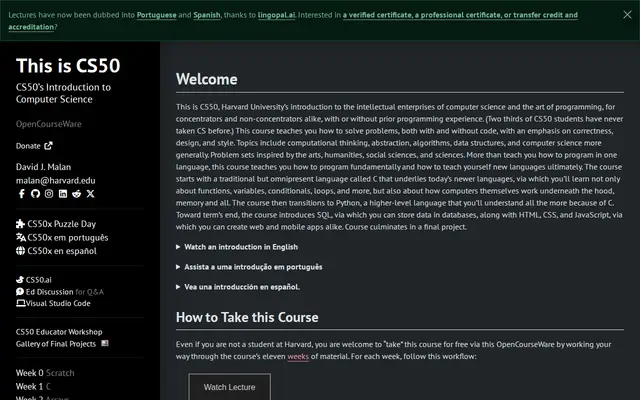
CS50 (Harvard)
FreeThe world's best-known intro to computer science, from C to Python, SQL and the web, free with a certificate.
Try: Watch lecture 0 and solve Problem Set 1.
Open the site
LeetCode
Free planAlgorithm and data-structure problems asked in company interviews; daily practice makes the difference.
Try: Solve one Easy problem a day for a month.
Open the site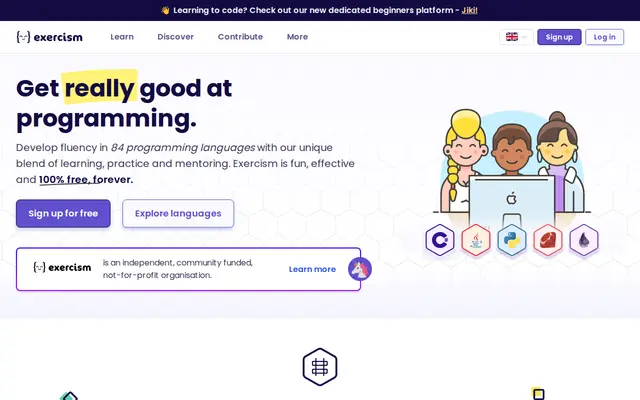
Exercism
FreeExercises in 70+ languages with volunteer mentors who review your code.
Try: Pick Python or C, solve five exercises and ask for a review.
Open the site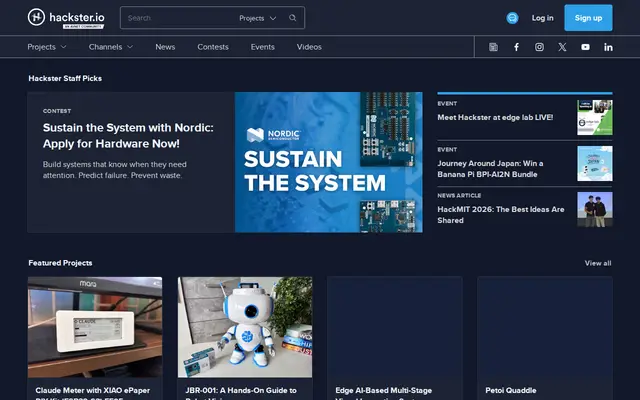
Hackster.io
FreeThousands of complete hardware projects with parts, code and wiring, plus sponsored contests.
Try: Find an open contest and pitch it to the team.
Open the site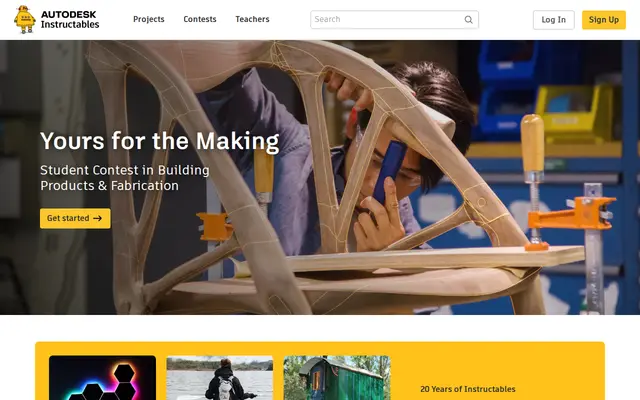
Instructables
FreeStep-by-step photo guides for making things: robots, electronics, fabrication and home builds.
Try: Build an obstacle-avoiding robot from lab parts.
Open the site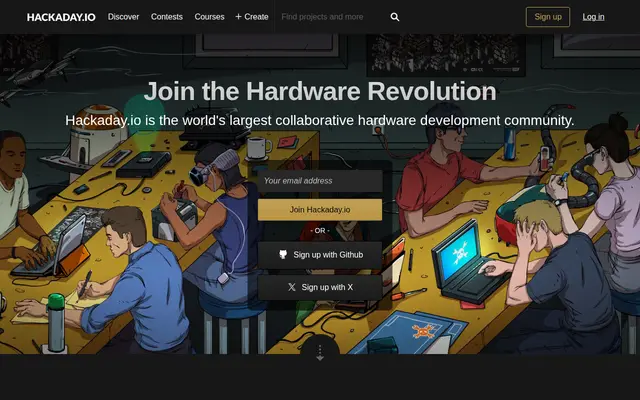
Hackaday.io
FreeA community documenting ambitious open hardware projects, home of the yearly Hackaday Prize.
Try: Make a page for a team project and log every stage.
Open the site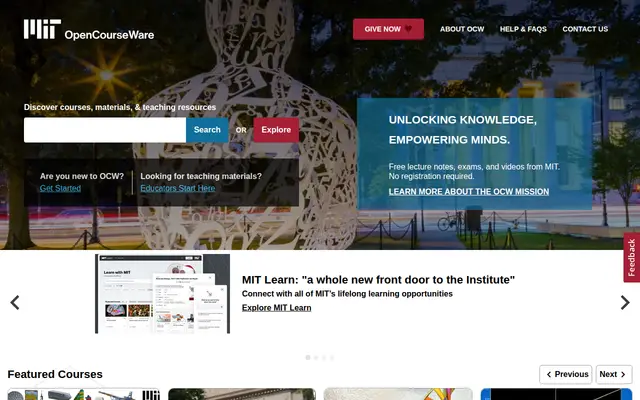
MIT OpenCourseWare
FreeReal MIT course materials for free: lectures, exams and projects in robotics, electronics and AI.
Try: Find Introduction to Robotics and watch the first two lectures.
Open the site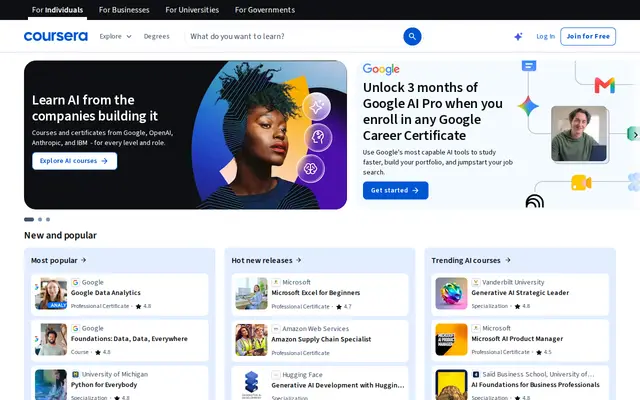
Coursera
Free planCourses from universities and companies like Stanford and Google; audit for free or apply for financial aid.
Try: Audit Andrew Ng's Machine Learning Specialization.
Open the site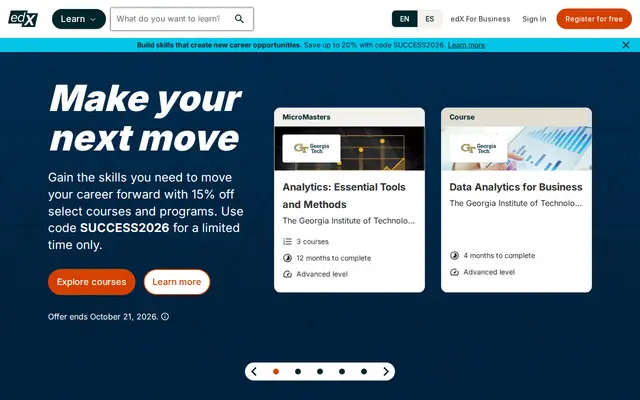
edX
Free planUniversity courses from MIT, Harvard and more in electronics, programming and engineering, mostly free to audit.
Try: Look up MIT's Circuits and Electronics.
Open the site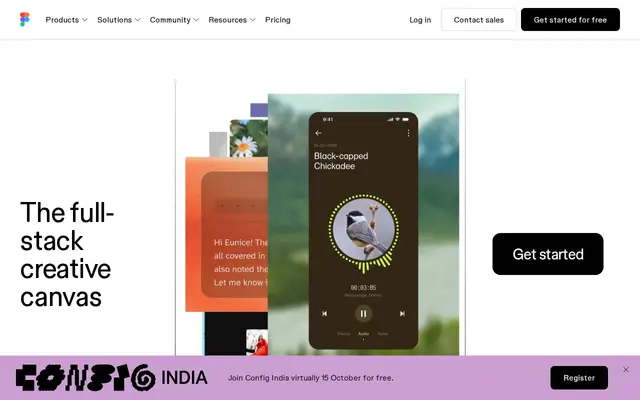
Figma
Free for studentsDesign app and web screens and posters with your team in real time. Free for students.
Try: Design your robot's control app before coding it.
Open the site
Canva
Free planPosters, presentations and social posts from templates, even with no design background.
Try: Make an expo poster for your project in 15 minutes.
Open the site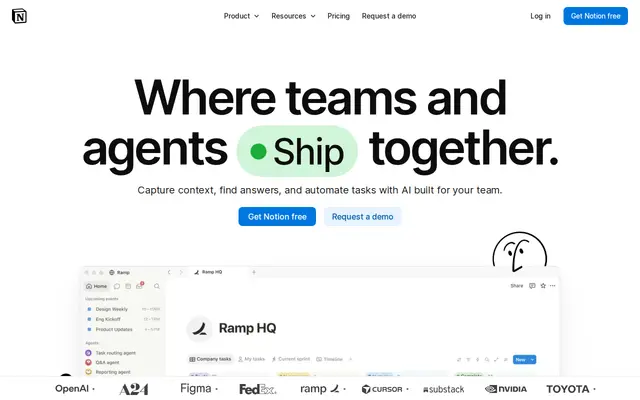
Notion
Free planOne place for project notes, tasks and docs for the team; free for students with a university email.
Try: Set up a project page with tasks, parts and links.
Open the site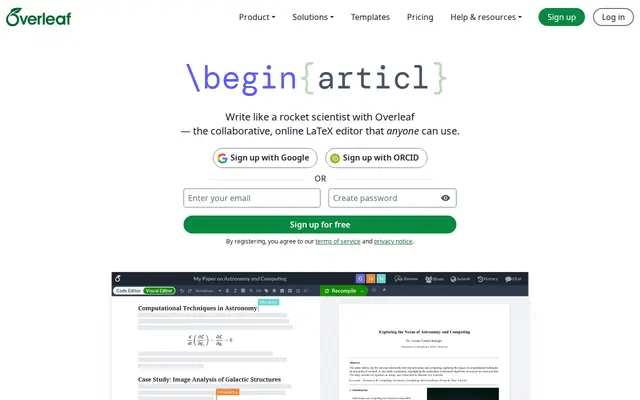
Overleaf
Free planWrite reports and papers in LaTeX in the browser with your team, using conference and university templates.
Try: Write your project report in the IEEE template.
Open the site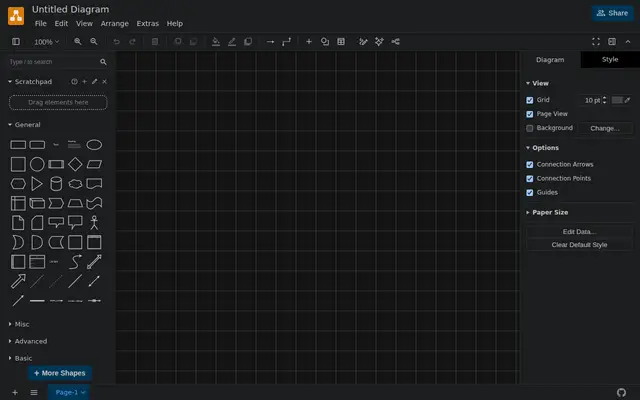
draw.io
FreeFree diagrams (flowcharts, block diagrams, system architecture) with no account.
Try: Draw your project's block diagram: sensors → controller → motors.
Open the site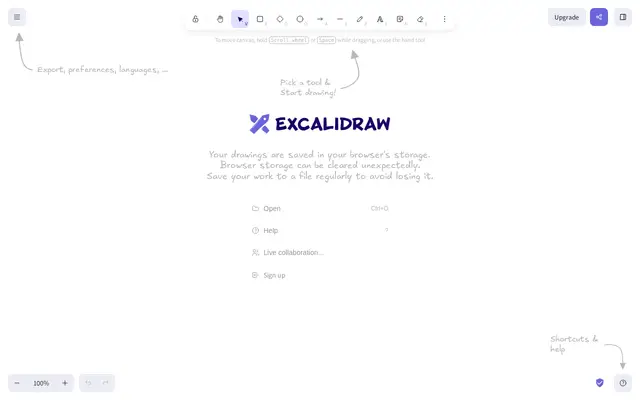
Excalidraw
FreeA hand-drawn style online whiteboard to sketch ideas with your team live.
Try: Start a shared session and sketch the next project.
Open the site